Private by design.
On-device intelligence. No cloud uploads. No account required.
Read our privacy policy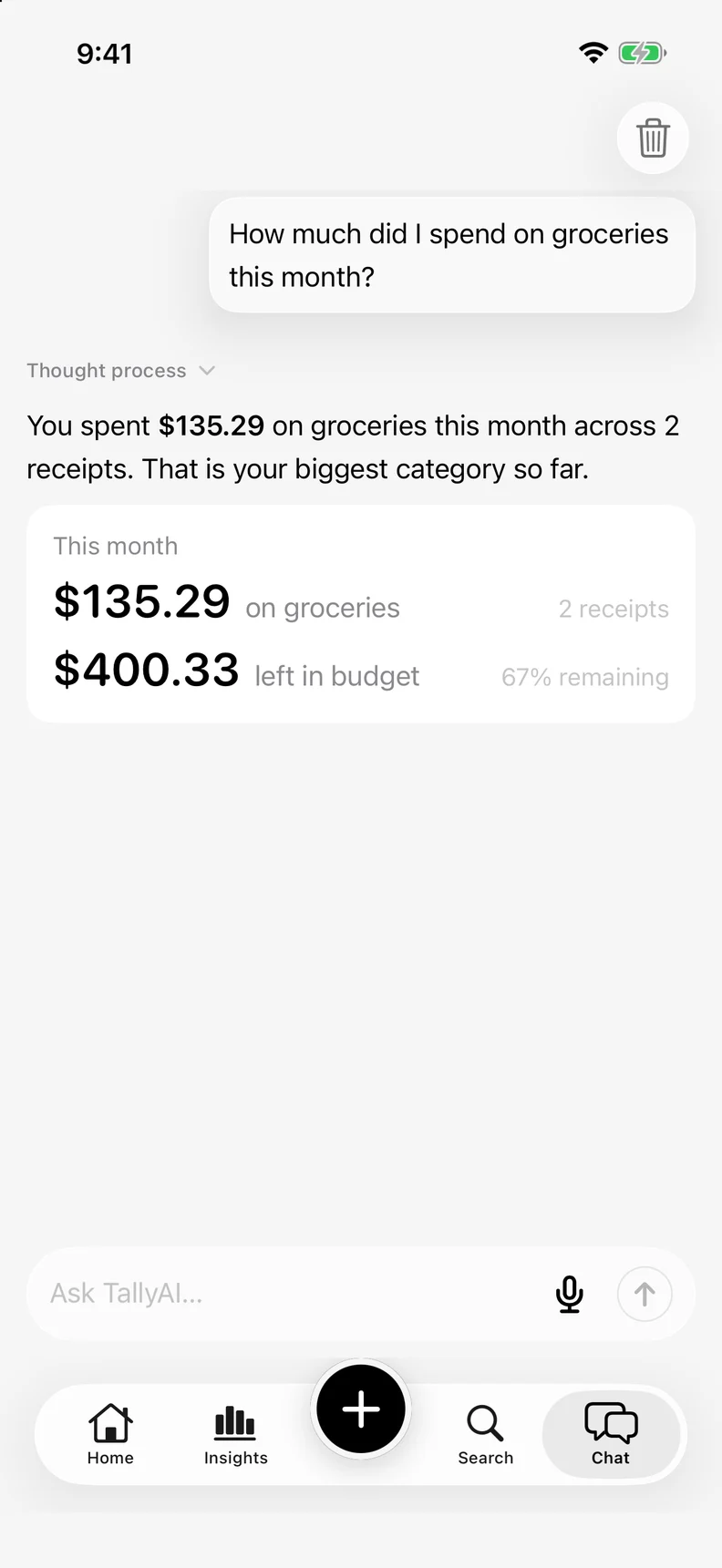
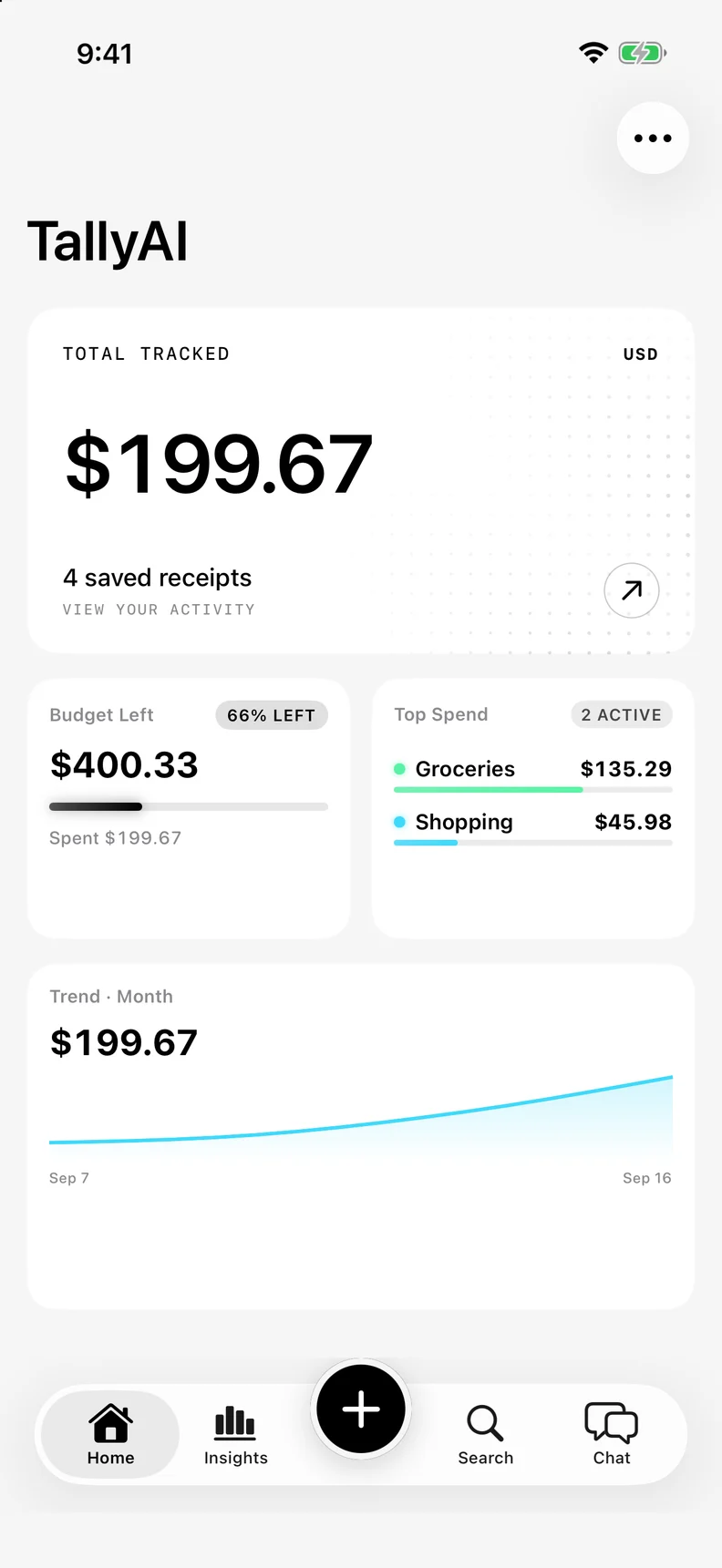
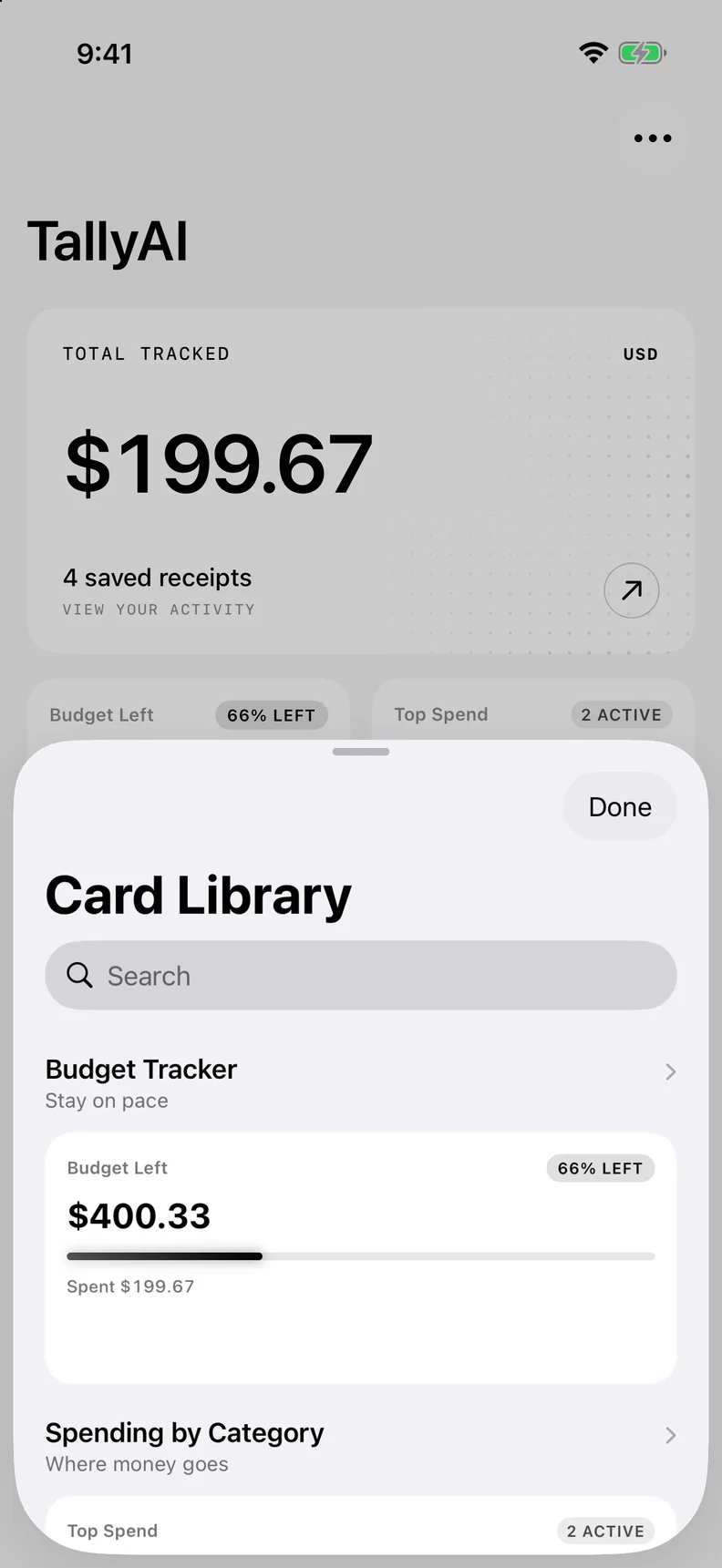
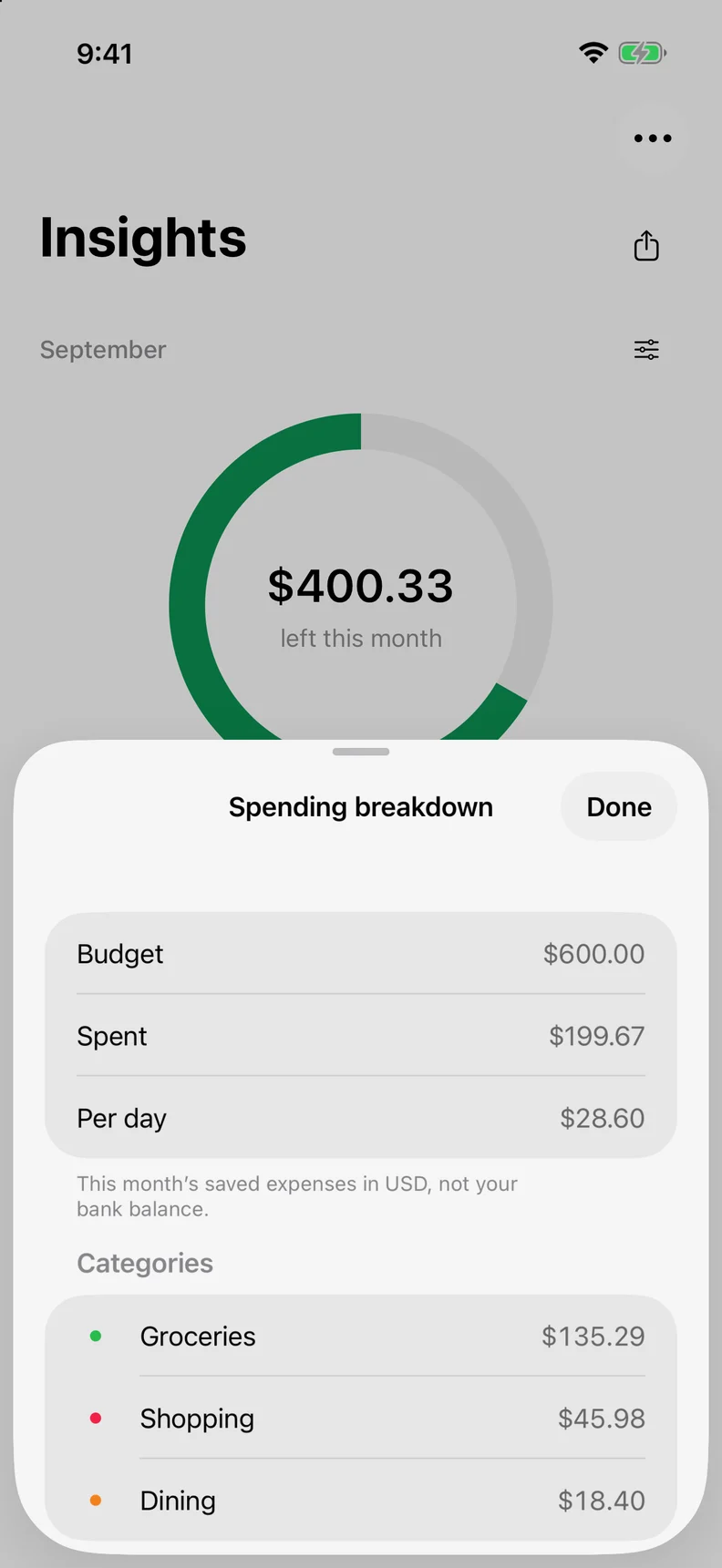
See it in action.
Scan anything.
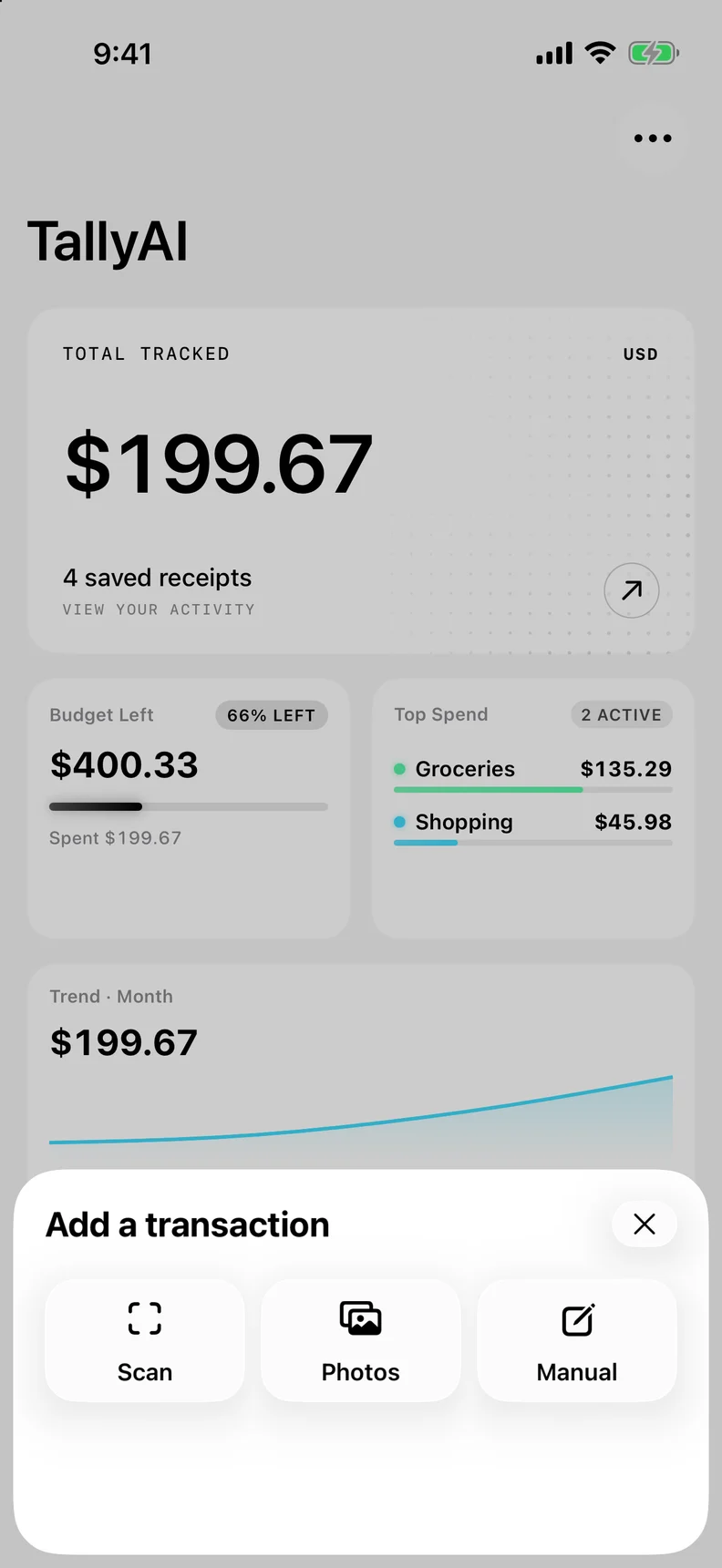
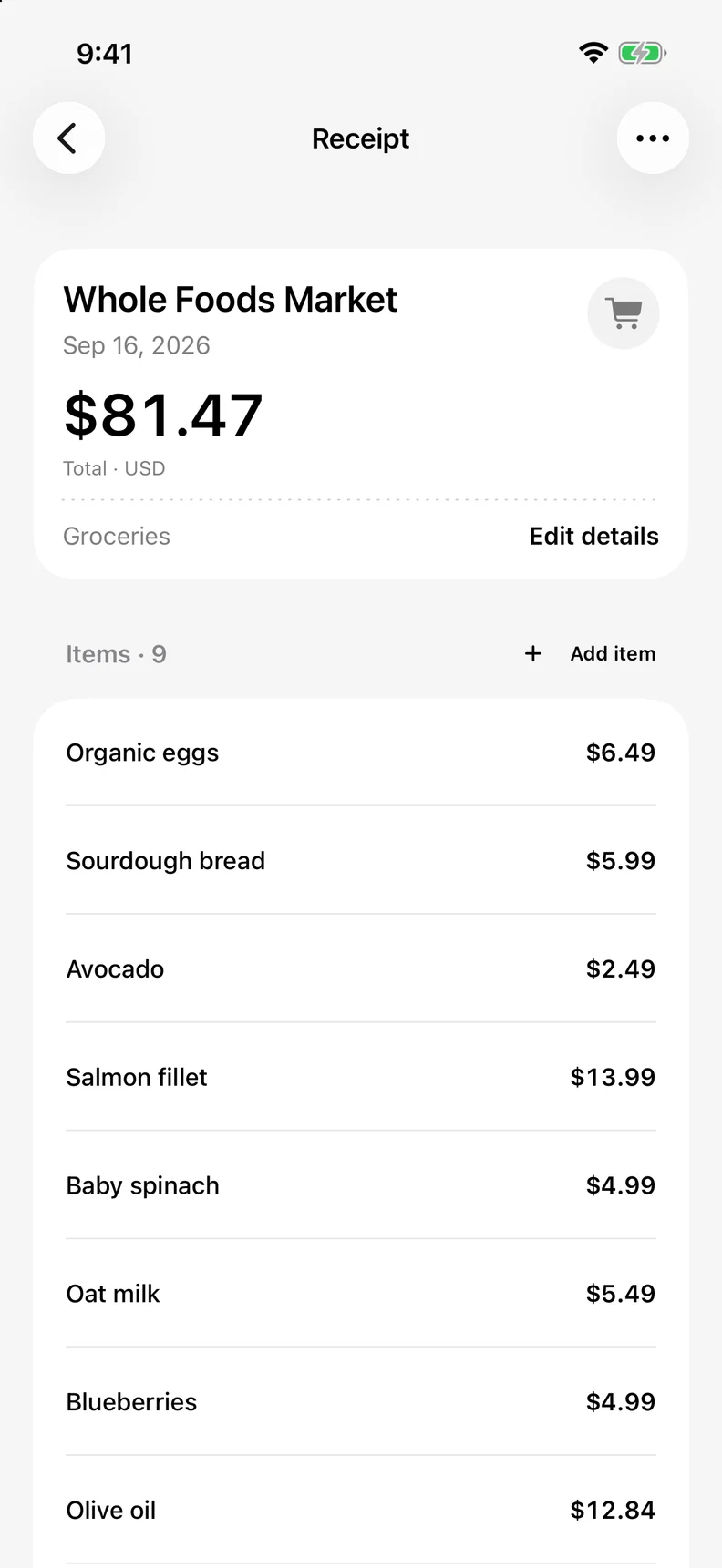
Capture the merchant, total, tax, and line items with your iPhone camera.
Find it fast.
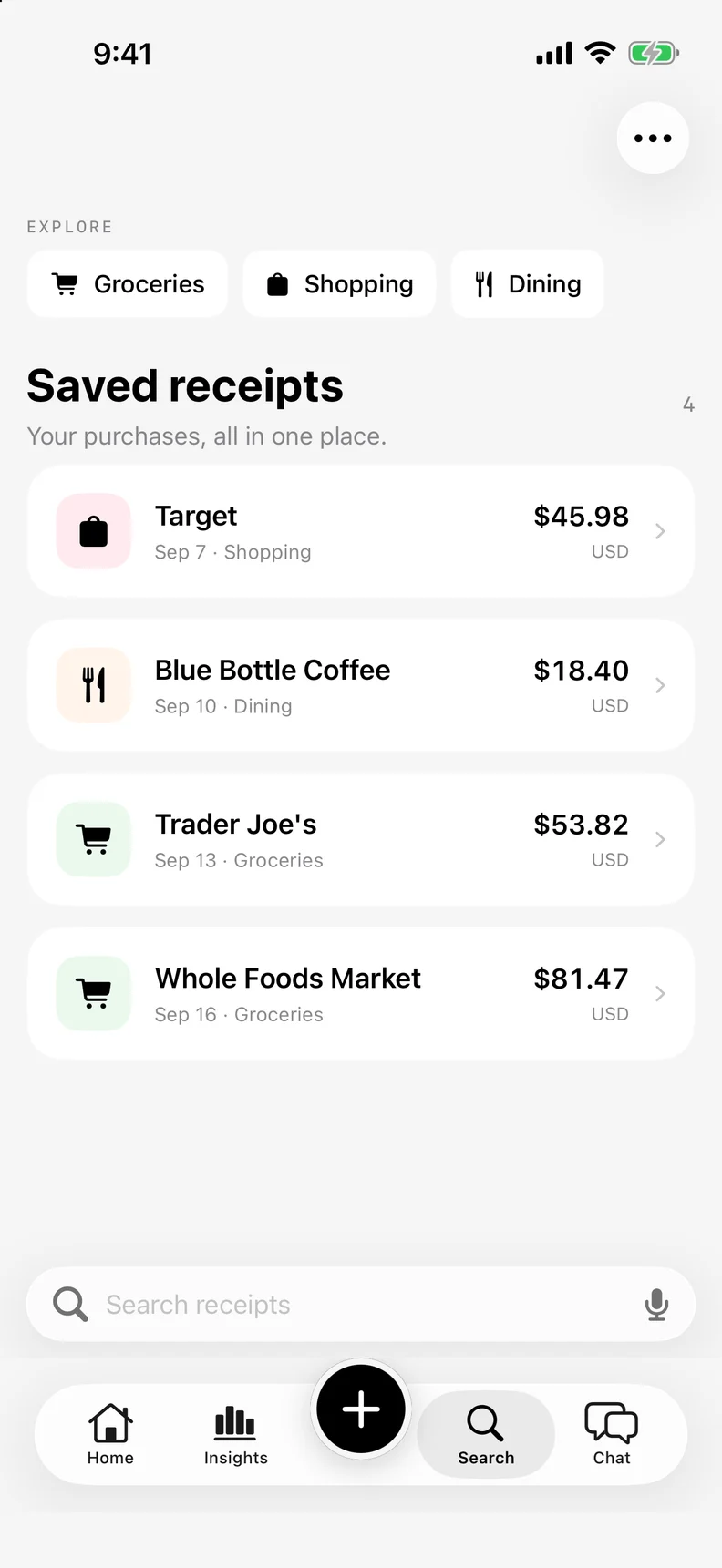
Search every saved purchase by merchant, category, amount, or date.
Budgets that stay with you.
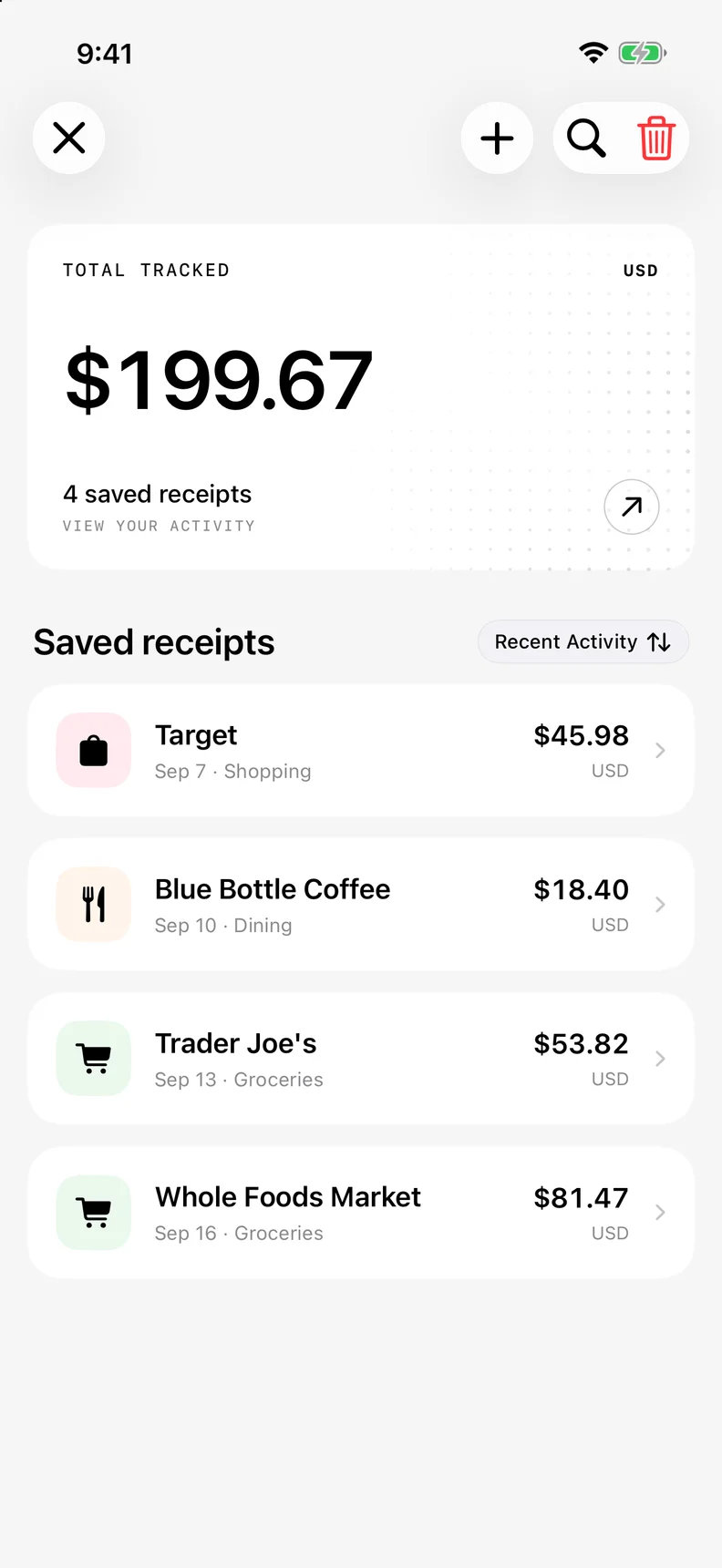
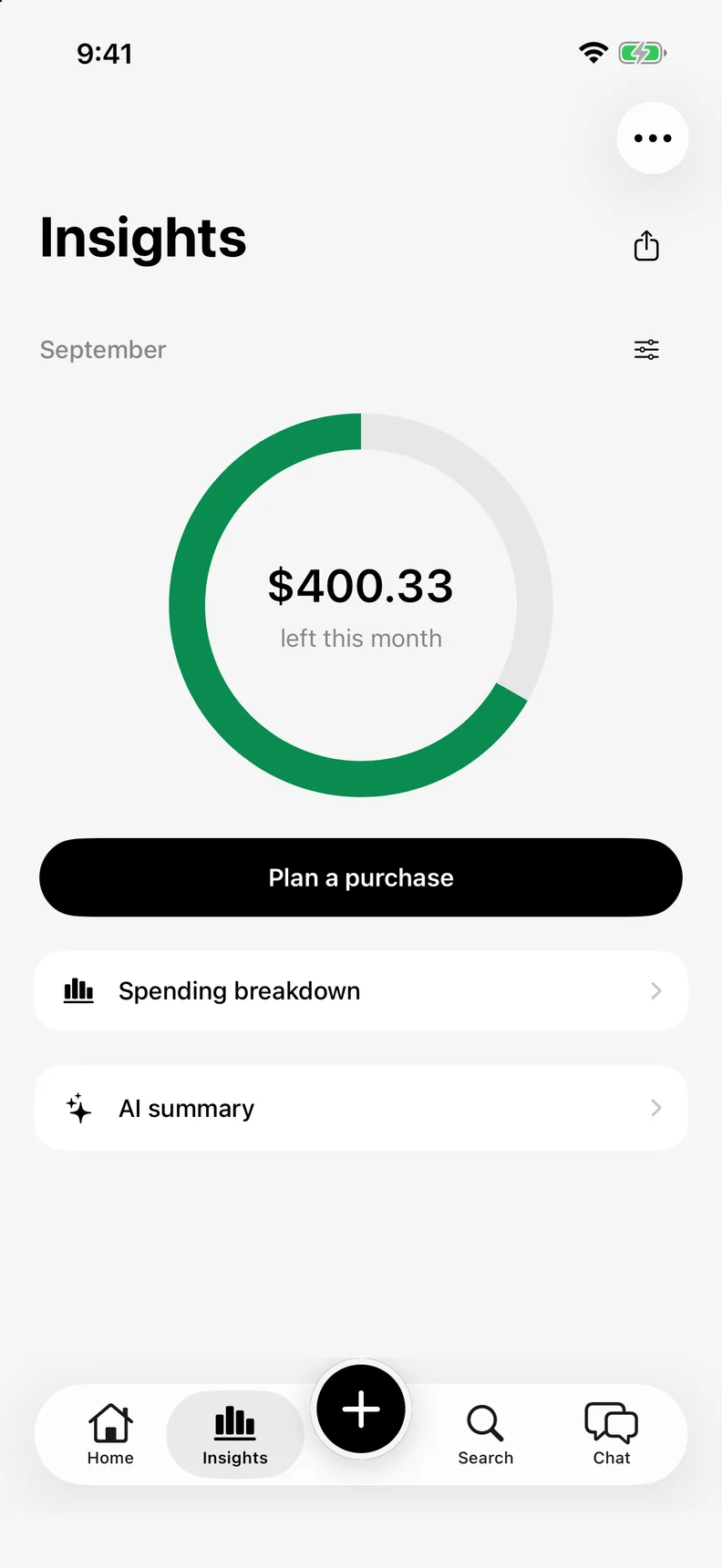
See where your money goes without sending a single receipt to the cloud.
Export on demand.
Your reports and records, ready whenever you need them.
Meet Embasis.
A personal assistant from the team behind TallyAI.
Questions?
How does TallyAI scan receipts?
TallyAI uses your iPhone camera and on-device OCR to turn receipt images into cleaner purchase records — merchant, total, tax, and line items when available.
Where is my data stored?
On your iPhone. TallyAI is built for local receipt records and on-device processing. Nothing is uploaded to a cloud account.
Can I export my records?
Yes. Pull reports, summaries, and clean records whenever you need them — no lock-in, no cloud dependency.
Is TallyAI available yet?
Yes. Download TallyAI on the App Store and start tracking your spending — 100% offline, 100% private.
Keep the receipt.
Lose the clutter.
Download TallyAI on the App Store and start tracking your spending — 100% offline, 100% private.
Download on the App Store