TallyAI
Receipts
made useful.
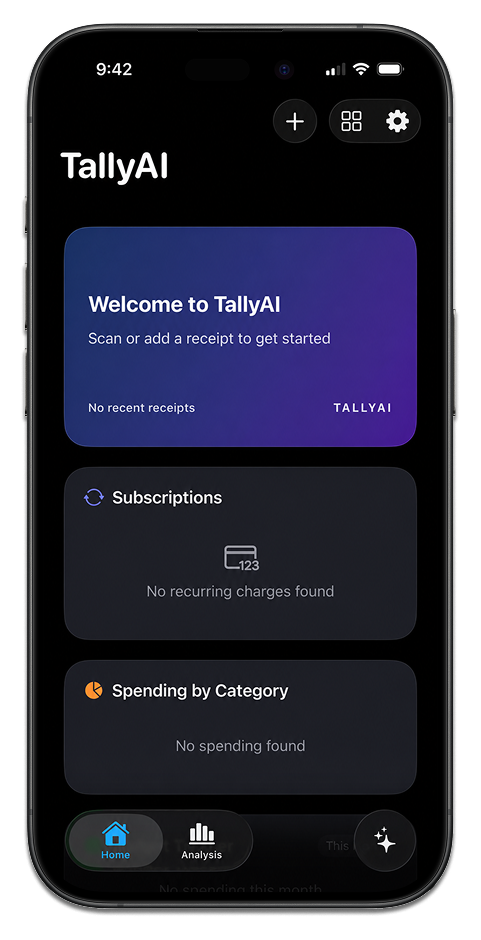
Scan receipts, organize purchases, and track budgets — local-first on iPhone. 100% offline. 100% private.
Concept Award · Top 5 Finalist · Winner
Privacy
Private by design.
On-device intelligence. No cloud uploads. No account required. Your receipts stay on your iPhone — offline and yours.
Read our privacy policy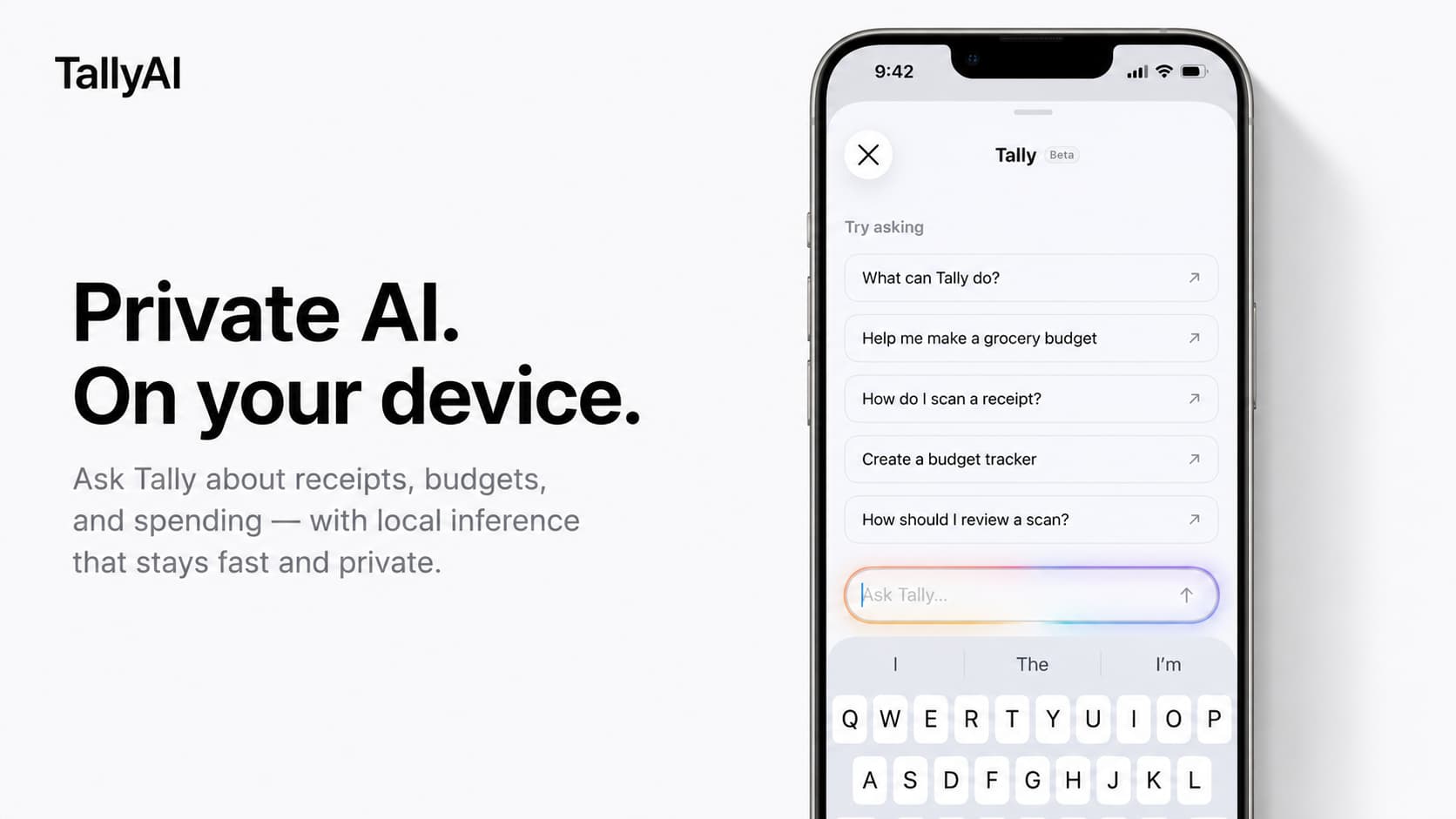
See it in action.
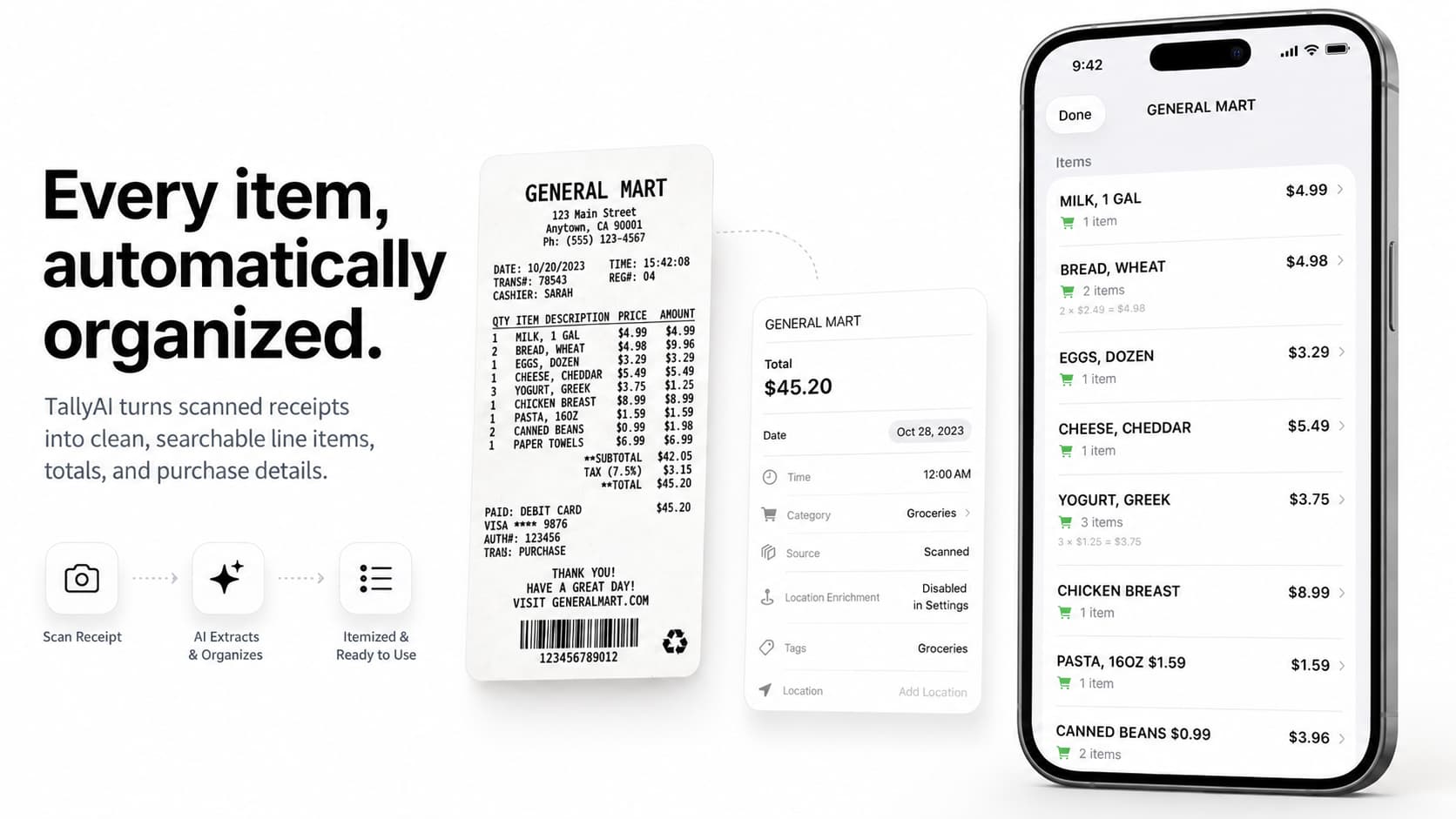
Scan anything.
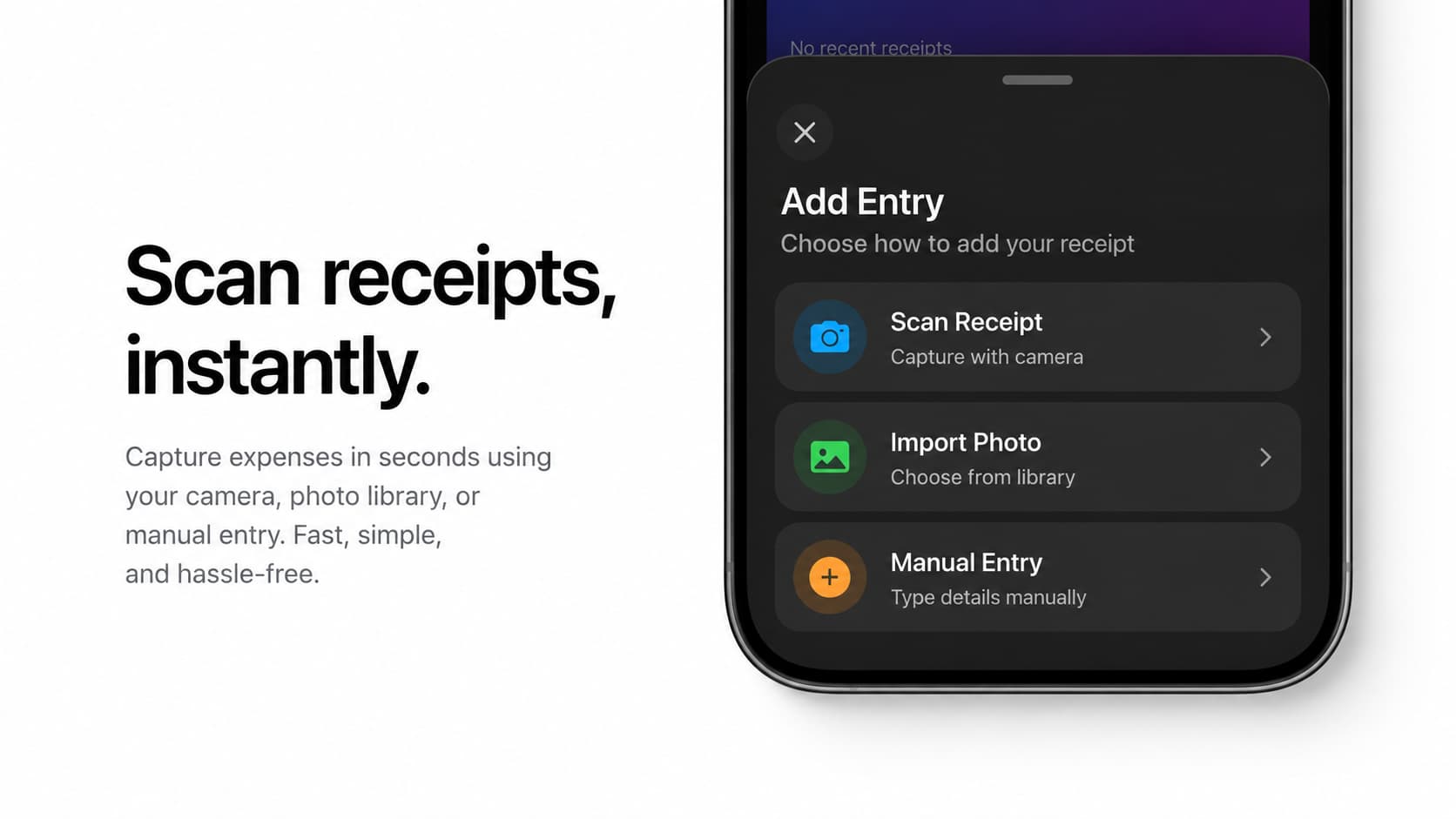
Point your camera at any receipt. TallyAI captures and OCRs it instantly — merchant, total, tax, and line items when available.
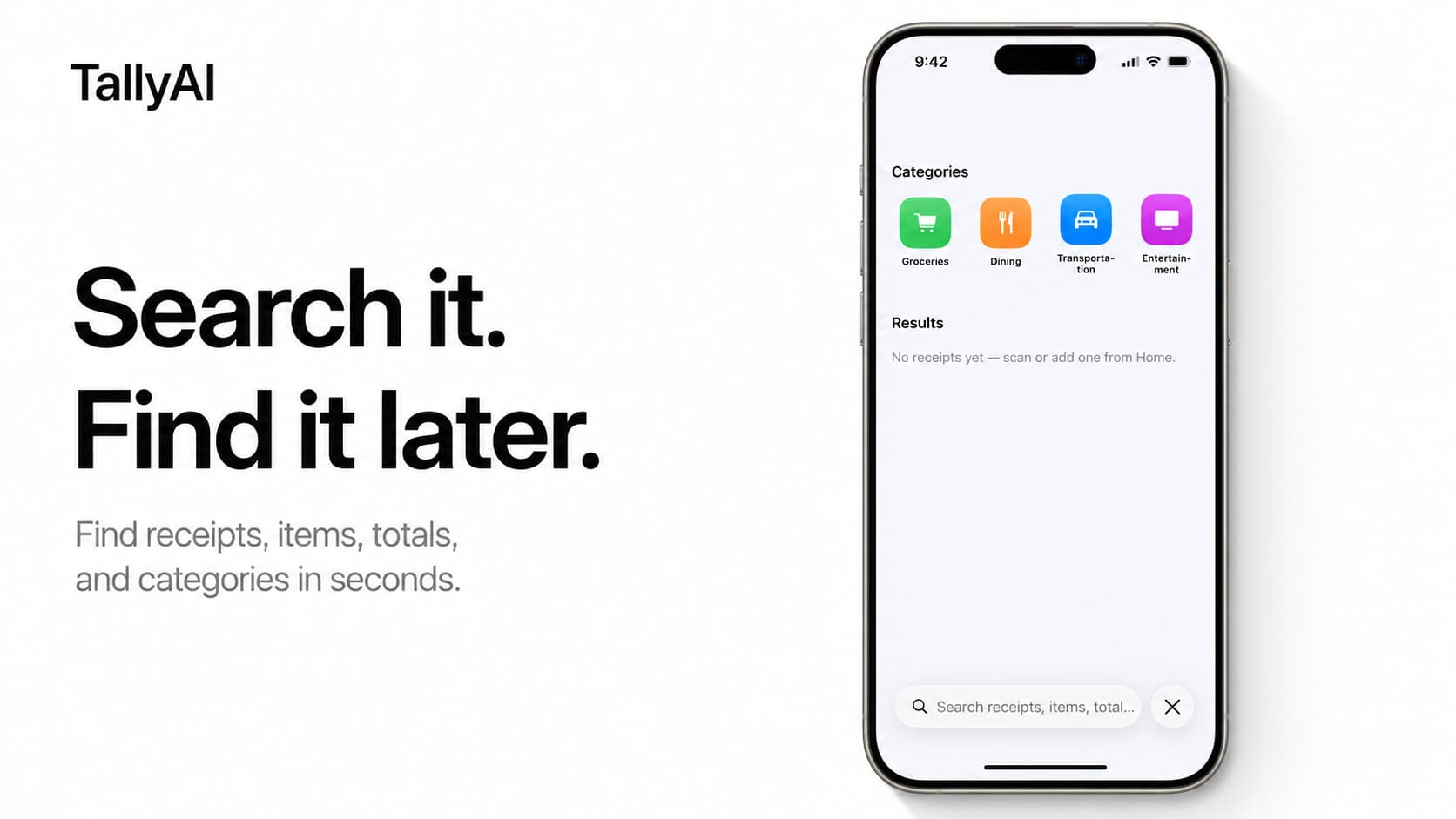
See scanningFind it fast.
Search every purchase you've saved. Filter by merchant, category, amount, or date — all on your device.
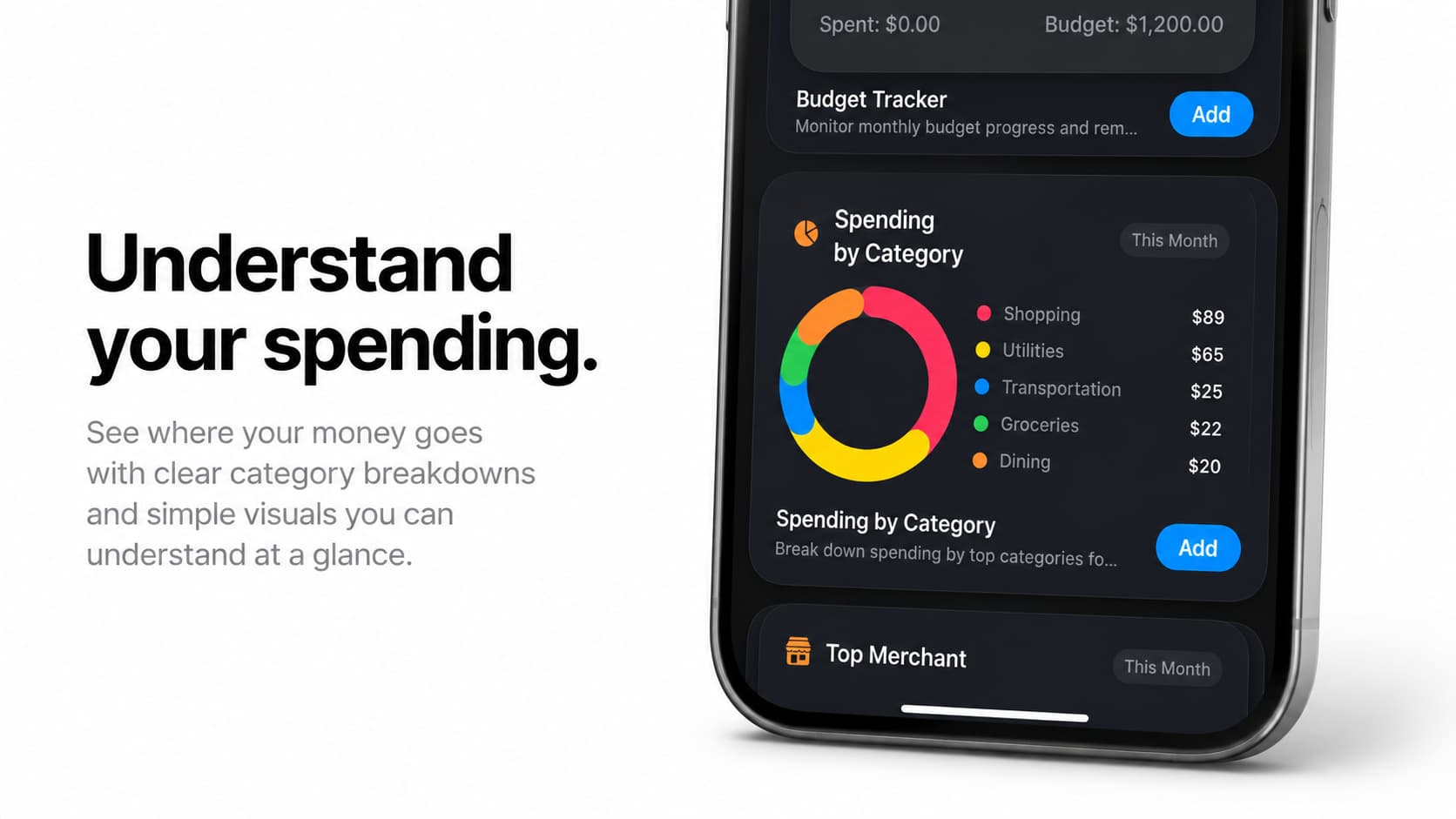
Explore searchBudgets that stay with you.
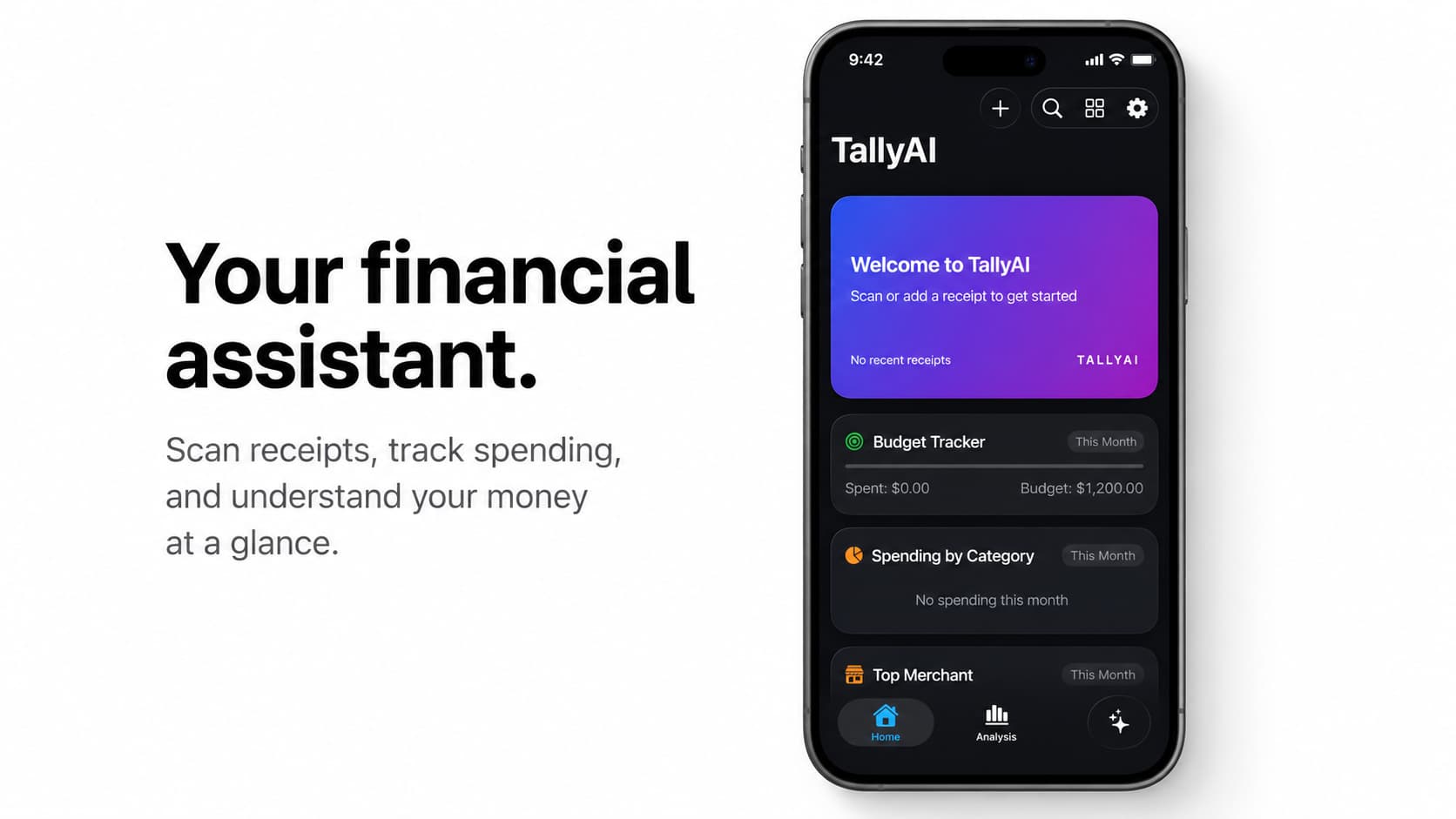
Categories update as you scan. See where your money goes without sending a single receipt to the cloud.
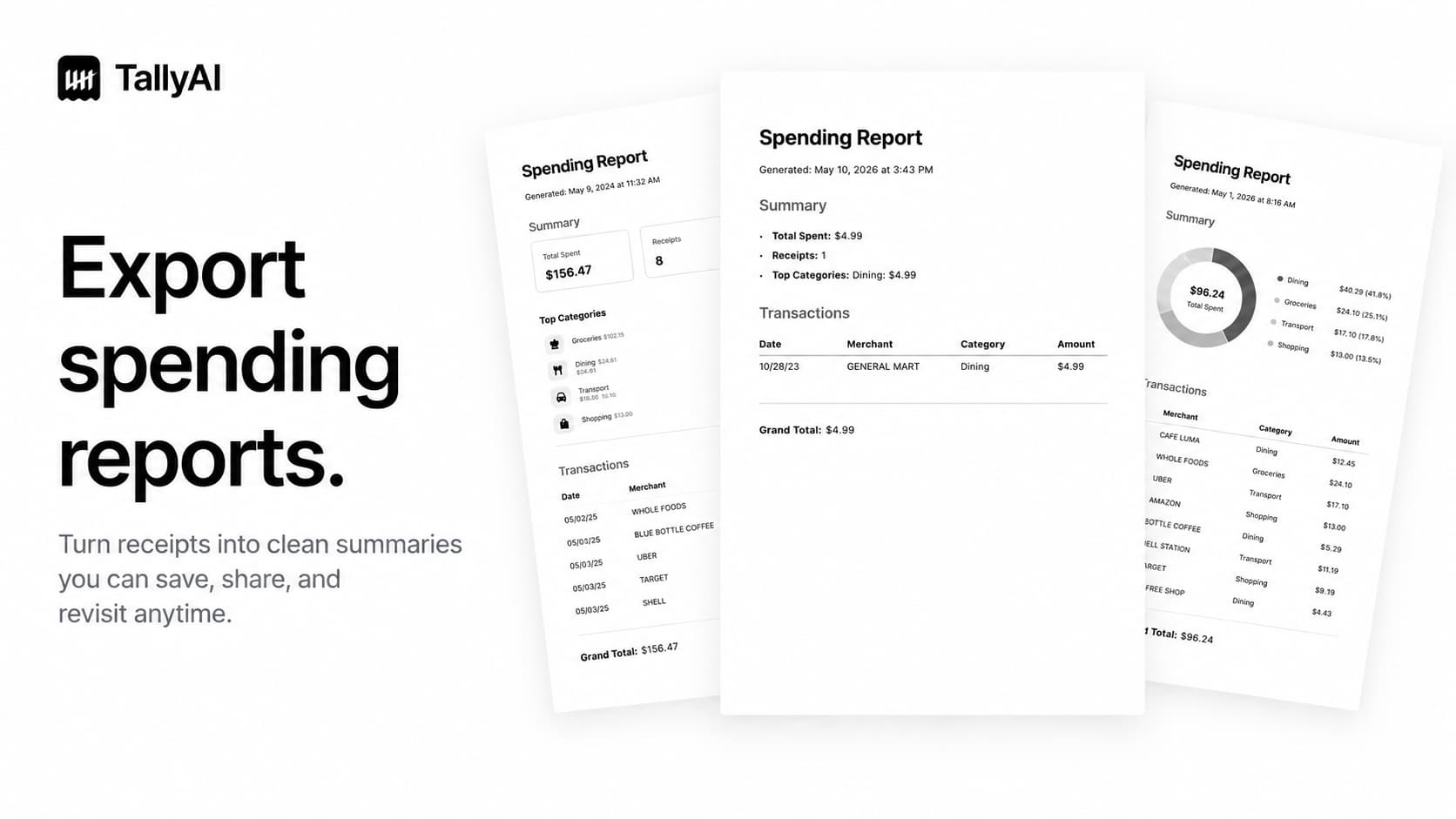
See categoriesExport on demand.
Pull reports, summaries, and clean records whenever you need them. No lock-in. No cloud dependency.
See reportsEmbasis
A personal assistant, built on the same platform.
Embasis shares the same local-first, privacy-first foundation as TallyAI — a real feel for the experience.
Questions?
How does TallyAI scan receipts?
TallyAI uses your iPhone camera and on-device OCR to turn receipt images into cleaner purchase records — merchant, total, tax, and line items when available.
Where is my data stored?
On your iPhone. TallyAI is built for local receipt records and on-device processing. Nothing is uploaded to a cloud account.
Can I export my records?
Yes. Pull reports, summaries, and clean records whenever you need them — no lock-in, no cloud dependency.
Is TallyAI available yet?
Yes. Download TallyAI on the App Store and start tracking your spending — 100% offline, 100% private.
Keep the receipt.
Lose the clutter.
Download TallyAI on the App Store and start tracking your spending — 100% offline, 100% private.
Download on the App Store